When you submit a request from the AppDirect Help Center, your name and email address will be listed as the requester and owner of that request. If you typically create requests using a distribution list, or if you simply want to ensure that your distribution list is included in any updates, you can add the email address in the CC field in any Support Request form.
- From the AppDirect Help Center, click on Submit a request
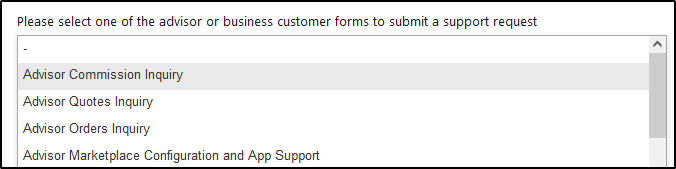
- Select the appropriate form
- In the CC field, add any email distribution lists or colleagues as required.
Note: Any colleague added here will also be able to view this request in their AppDirect Help Center.
Comments
0 comments
Article is closed for comments.